
Typography
Headings
Heading level 1
Heading level 2
Heading level 3
Heading level 4
Heading level 5
Heading level 6
Paragraphs
Purus CSS styles the elements browsers already ship with. Write a paragraph and it gets a readable line length, balanced wrapping, and colors that adapt to the active color scheme. There is nothing to configure and no build step to run — link one stylesheet and start writing markup.
A second paragraph follows with normal spacing. Body text uses the system font stack by default, so pages render instantly with the fonts users already have installed.
Inline elements
Links look like this.
Strong marks importance and em adds
emphasis, while b and i offset text without it. Use
u for unarticulated annotations, s for
no longer accurate content, and del /
ins for edits: the meeting is on Tuesday
Wednesday. Mark highlights,
small renders fine print, and
CSS gets an abbreviation
title. Math works too: E = mc2 and H2O. A
short quote is set with q:
less is more
. A dfn marks a defining instance, x is a
variable, and is a
date.
Blockquote
Perfection is achieved, not when there is nothing more to add, but when there is nothing left to take away.
Antoine de Saint-Exupéry
Details and summary
Why is there no JavaScript?
Native HTML covers more than most people expect. This disclosure
widget, for example, is a <details> element
— it opens and closes without a single line of script.
Horizontal rule
Lists
Unordered
- No JavaScript, no dependencies
- Light and dark mode out of the box
-
Sensible defaults for every element
- Including nested lists like this one
Ordered
- Download or link the stylesheet
- Write semantic HTML
- Ship it
Definition list
- Purus
- Latin for “pure” or “clean”.
- Classless-first
- Plain elements are styled directly; utility classes are optional extras.
Unstyled list
Add class="list-none" to drop markers and indentation:
- No bullet here
- Or here
Code
Inline code like display: flex sits comfortably in a
sentence. Keyboard input uses kbd: press Ctrl +
K. Program output uses samp:
Build finished in 0.4s.
Code block
<link rel="stylesheet" href="css/purus.min.css" />

<main class="container">
  <h1>Hello, Purus</h1>
  <p>Semantic HTML, styled.</p>
</main>
Tables
| Version | Minified | Gzipped |
|---|---|---|
| 1.0 | 11 KB | 3 KB |
| 1.5 | 12 KB | 3 KB |
| 2.0 | 13 KB | 4 KB |
| Still no JavaScript | Rows highlight on hover | |
Media
Image
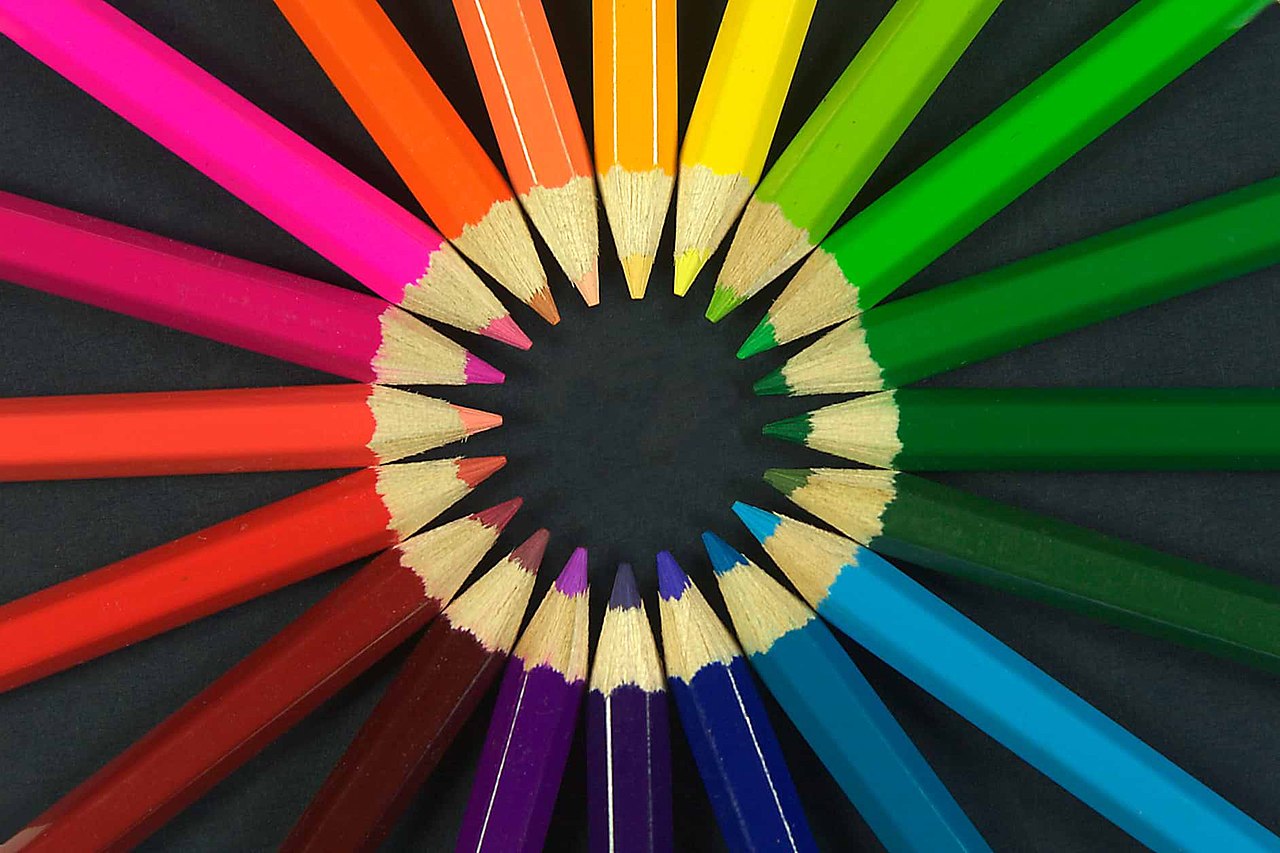
Figure with caption
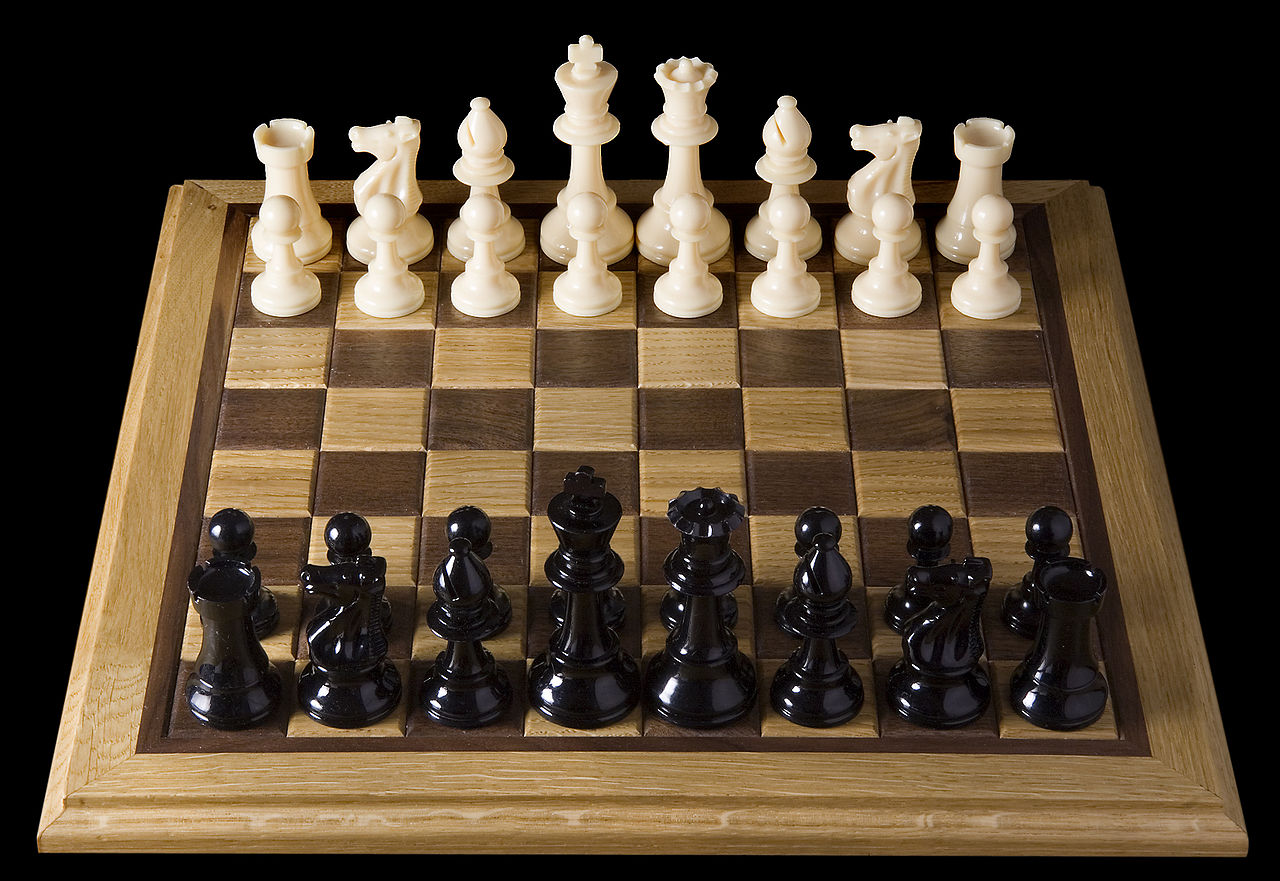
<figure> with a
<figcaption>.
Audio
Music: bensound.com
Video
Meter and progress
Disk usage:
Upload:
Indeterminate:
Inline SVG
Forms
Utilities
Beyond element defaults, Purus ships a small set of utility classes. A few of them in action:
Borders, radius, and shadows
.border .rounded .p-lg
.border .border-dashed .rounded-xl .p-lg
.shadow-lg .rounded .p-lg
Color and background
.color-primary · .color-text-muted · .color-error · .color-valid
.bg-surface-raised adapts to the active theme.
Text alignment
.text-left
.text-center
.text-right
Sizing and opacity
.w-50 — half width
.opacity-50 fades content.
Navigation padding
.p-nav-lg pads a nav while compensating for button
margins: